

Flex office and coworking spaces: how to simplify shared office management

The days when everyone had their own desk and fixed hours are over. Today, an effective workspace has to adapt to every need: modular meeting rooms, areas for focused work, social spaces and places to step away. But this freedom comes with constraints. Without clear rules, day-to-day life can quickly become complicated: rooms booked but left empty, two teams booking the same space, difficulty predicting how many people will be in, or too much admin for Office Managers and coworking space operators. How do you combine a comfortable layout with simple management that makes life easier for everyone? Here are 4 best practices to run your flex office or coworking space effectively.
1. Choose a modular layout suited to new ways of working
A good workspace must first match how people actually use it. With hybrid working, video calls have multiplied and it has become harder to concentrate in large open plan offices.
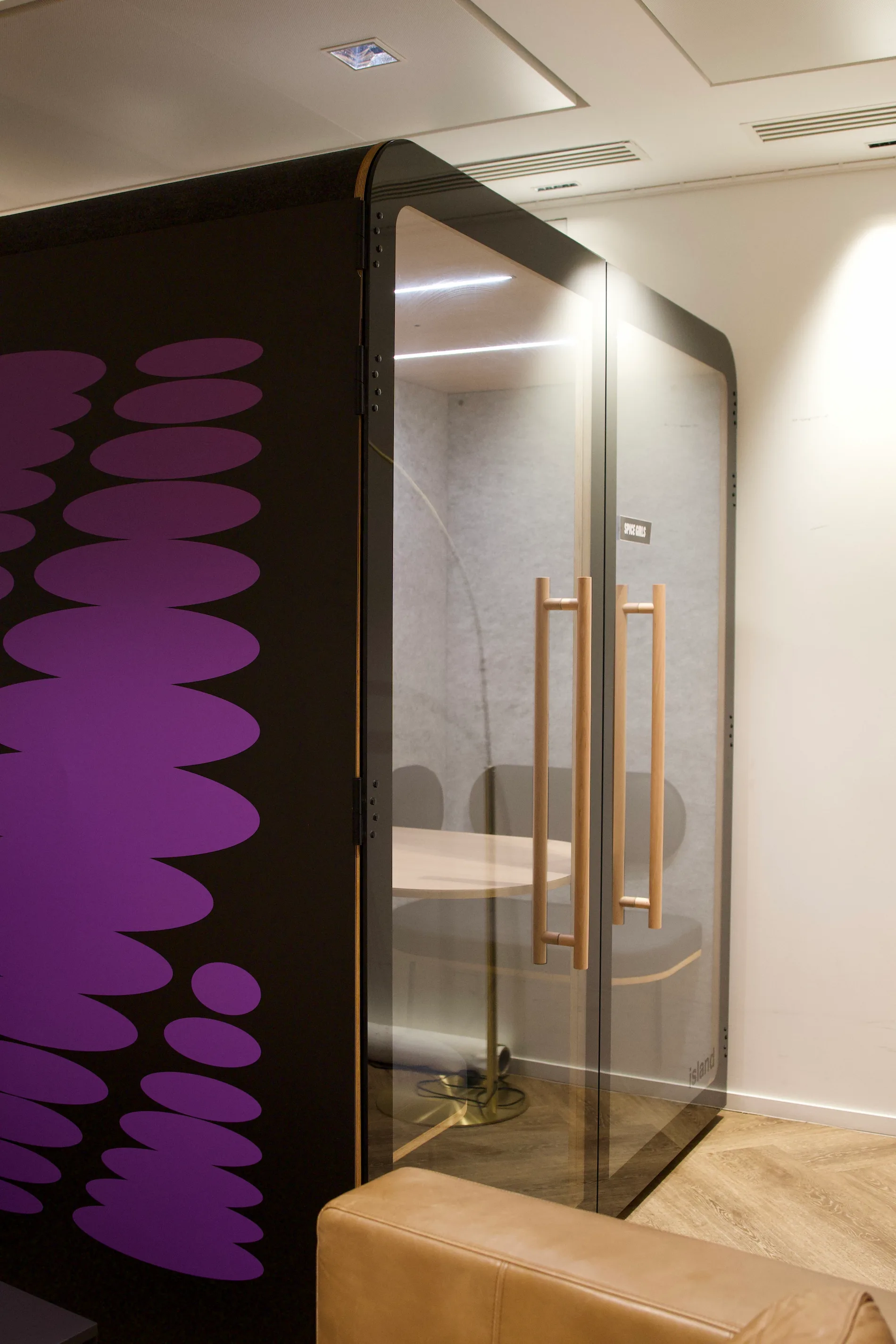
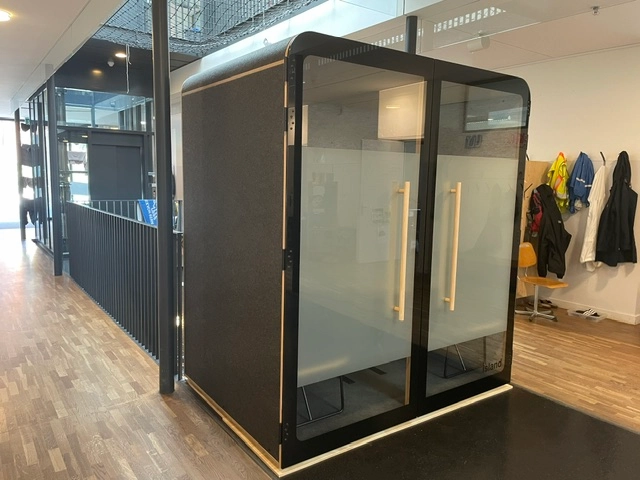
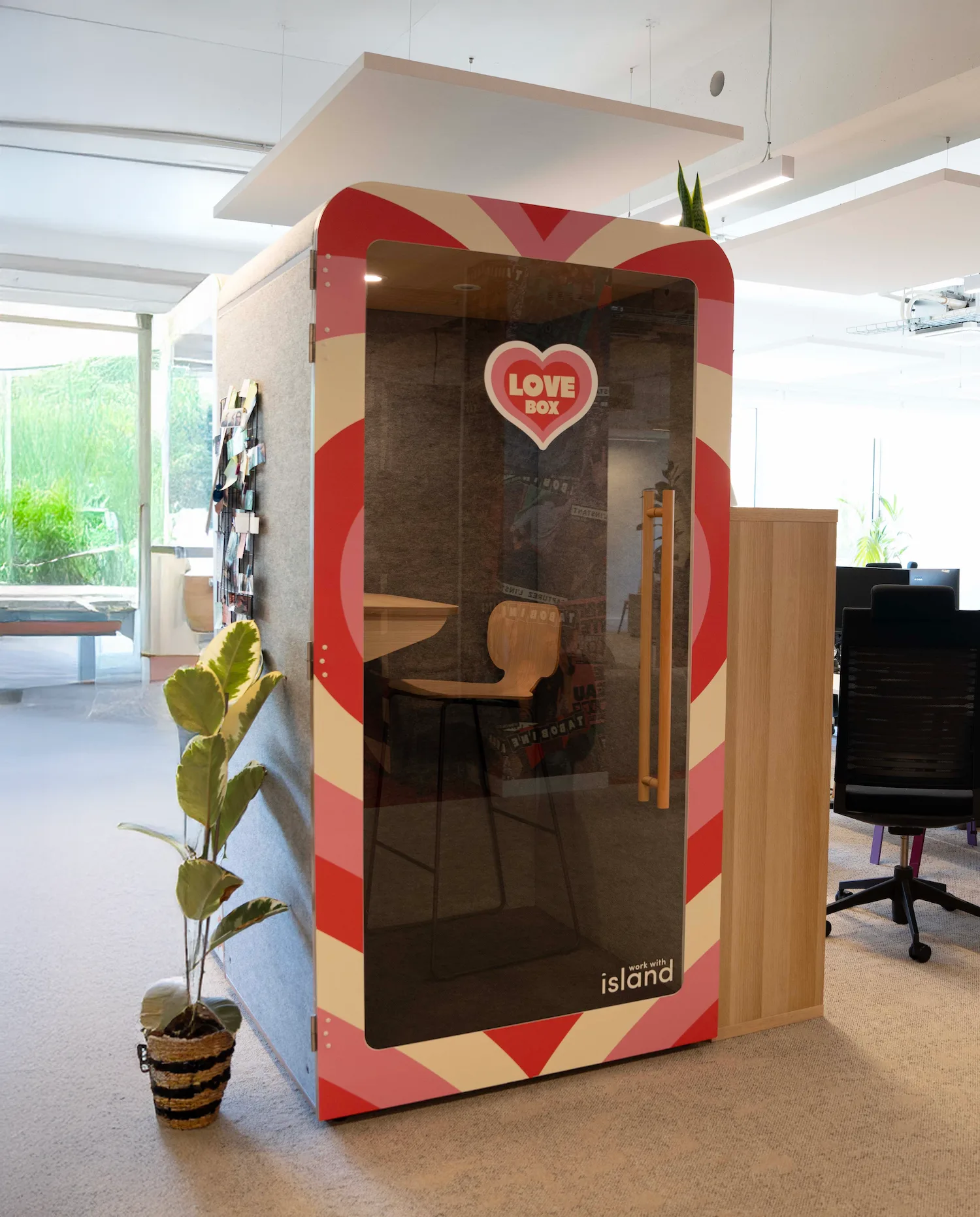
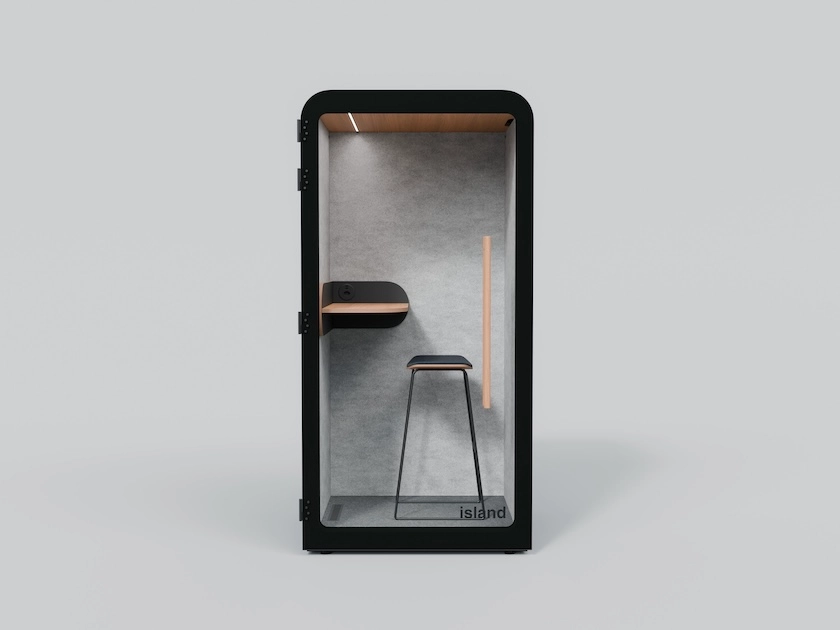
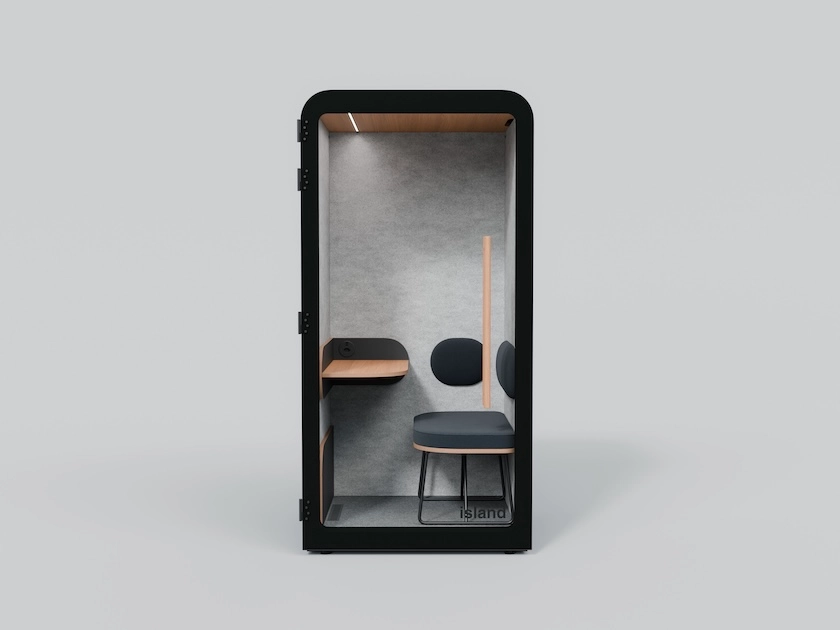
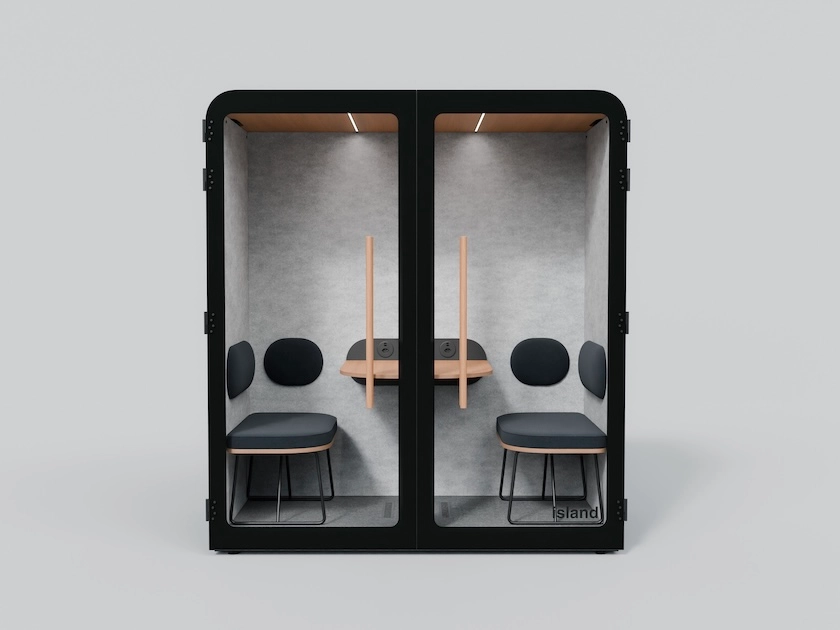
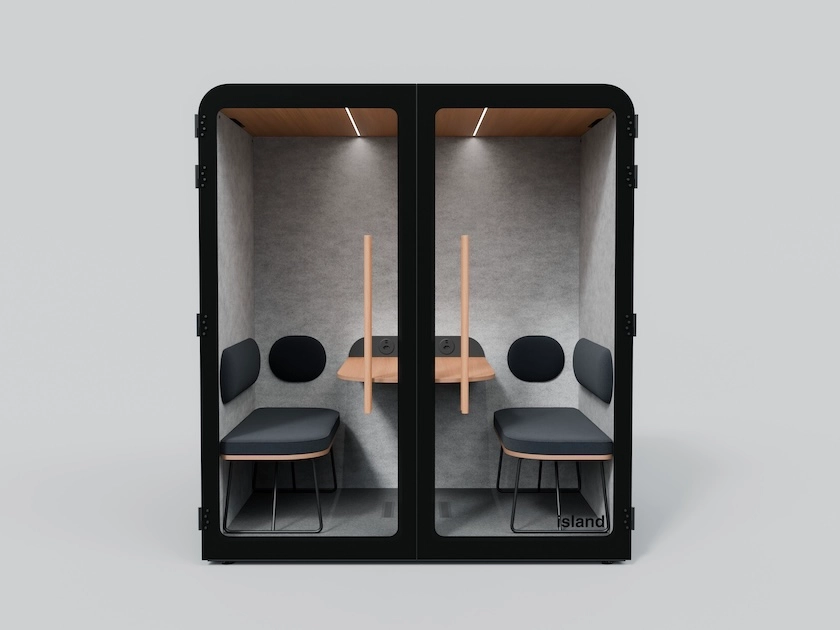
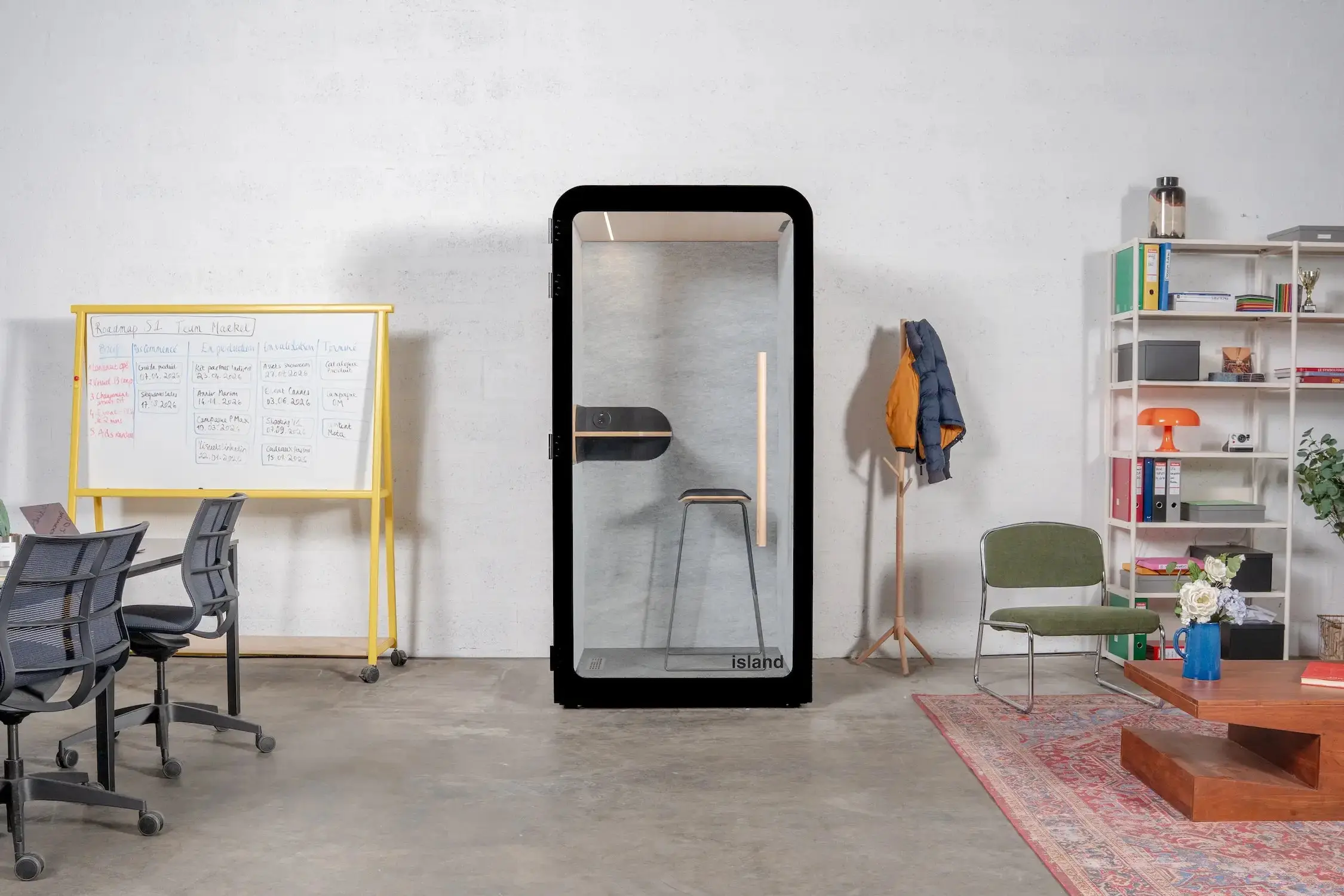
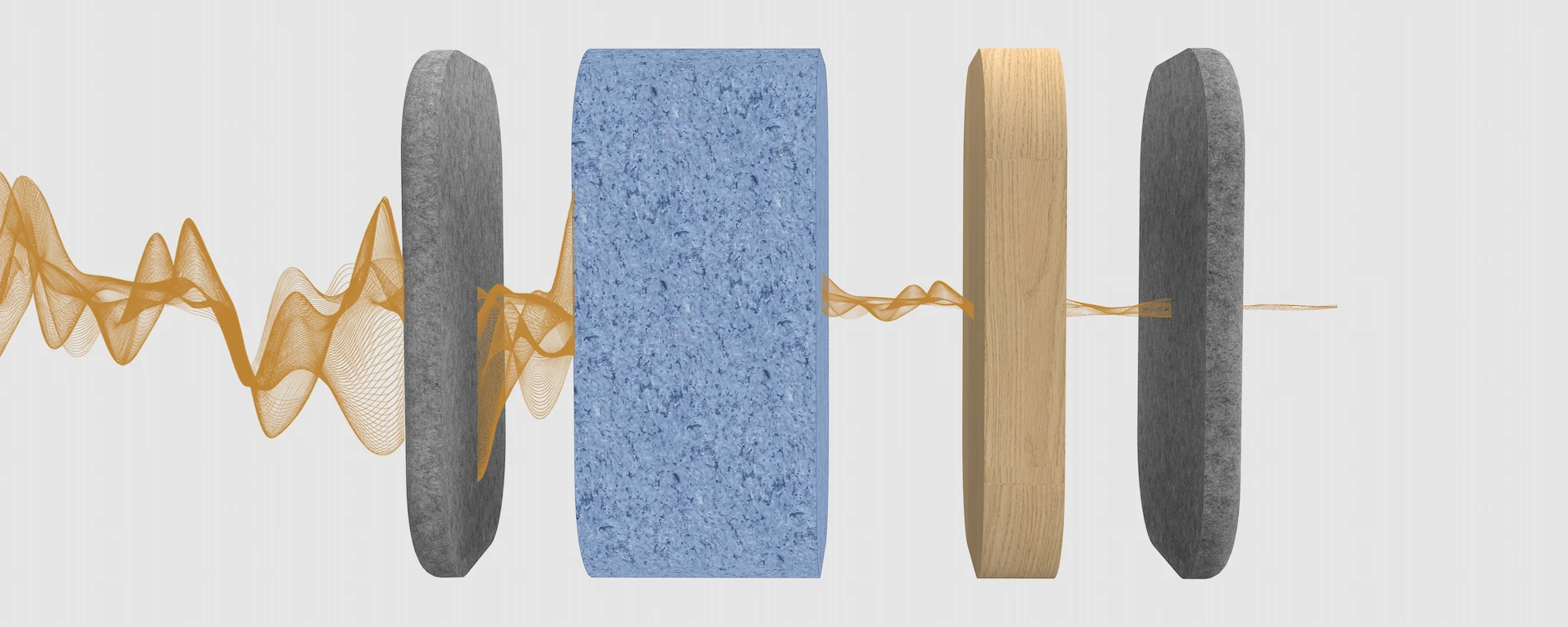
To limit noise and make it easier to move around, you need to be able to divide spaces without major building work. Modular acoustic pods meet this need well: they instantly create quiet corners for phone calls or small meeting rooms, in a coworking space as much as in a large company.
{{PRODUCTS_VARIANT1}}
2. Give users visibility and autonomy
Even the finest space loses its appeal if it is hard to use. If an employee or coworker has to email reception or check a paper schedule to find out whether a room or pod is free, they waste time and get discouraged.
The solution is to make everyone autonomous: let people see in real time which spaces are free, book a desk or a room in two clicks and change their bookings easily, from a computer or a phone. For the teams running the space, this avoids repetitive requests and saves valuable time.
Online booking software can also be synced with a connected access control system. This automatically creates individual access rights for users (badges, keypad code, QR code, Bluetooth) based on the rooms they have booked.
3. Bring all management together in a single tool
Running a workspace means keeping track of a lot behind the scenes: bookings, building access control, event planning and, for a coworking space, invoicing for rooms and services.
Constantly switching from an Excel spreadsheet to a shared calendar and then to invoicing software increases the risk of errors and wears teams out. Bringing all these tasks together in one piece of software makes everyone's work simpler: whether you are building a community of coworkers or coordinating a company's teams across several sites, everything is managed in one place.
When choosing this digital solution, it is essential to favour a simple, intuitive user interface that every user will pick up quickly and that gives space managers smooth oversight.
{{MULTI_IMAGE}}
4. Track how spaces are used with clear figures
It is hard to improve your office layout without knowing how it is really used. Which days are busiest? Which meeting rooms are always full and which corners often stay empty?
Accurate figures on attendance and bookings help you adjust your organisation over time: for example, redesigning an underused area, adding an acoustic pod where there are many calls, or adjusting usage quotas for shared spaces.
The future of shared offices rests on two complementary elements: spaces designed for comfort and flexibility, and simple digital tools that make day-to-day organisation easier.
It is in this spirit that complete shared space management software such as Desk now supports managers, from independent coworking spaces to corporate flex offices, to automate bookings, simplify reception and improve everyday working comfort.
{{FORM_GREY}}
{{FAQ_DEFAULT}}